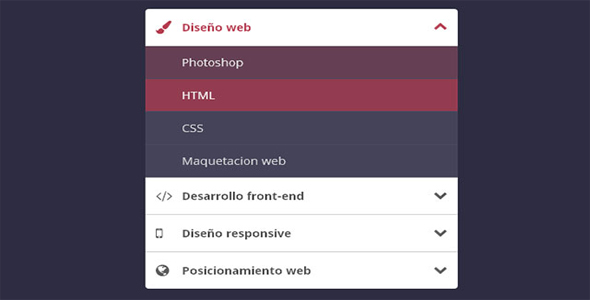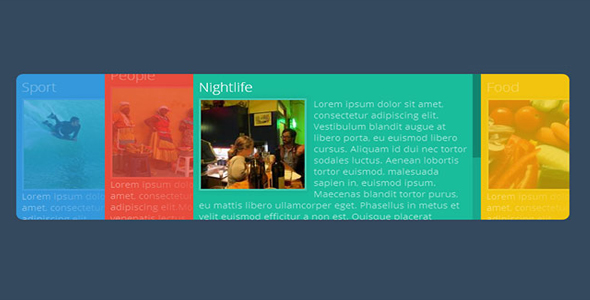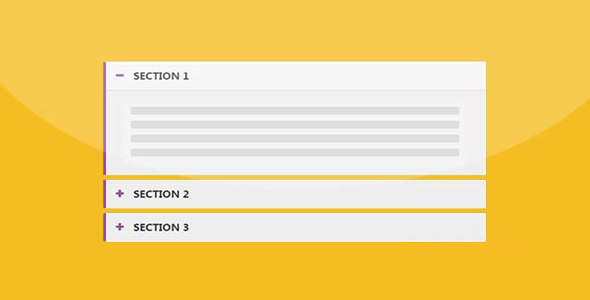

手风琴
jQuery垂直手风琴插件
 PetitQ
这款 jQuery 手风琴插件中使用了一个 jQuery 鼠标滚轮插件 jQuery Mousewheel Plugin,这个插件使我们可以用鼠标滚动来浏览手风琴效果。
HTML 代码:
<div id="va-accordion" class="va-container">
<div class="va-nav">
<span class="va-nav-prev">Previous</span>
<span class="va-nav-next">Next</span>
</div>
<div class="va-wrapper">
<div class="va-slice va-slice-1">
<h3 class="va-title">Marketing</h3>
<div class="va-content">
<p>Henry Watson</p>
<ul>
<li><a href="#">About</a></li>
<li><a href="#">Portfolio</a></li>
<li><a href="#">Contact</a></li>
</ul>
</div>
</div>
<div class="va-slice va-slice-2">
...</div>
</div>
</div>
也想出现在这里?联系我们吧

我们为每个 slice 定义不同的 class。最后一个全屏手风琴的例子我们使用不同的颜色来填充 slice 的背景色。
下面是两个 slice 的调用方法:
$('#va-accordion').vaccordion({
expandedHeight : 350,
animSpeed : 400,
animOpacity : 0.7,
visibleSlices : 2
});
可用参数:
插件的参数选项允许我们调整插件的宽度和高度,有多少 slice 可见,每个 slice 伸展的高度等等:
// the accordion's widthaccordionW : 1000,
// the accordion's heightaccordionH : 450,
// number of visible slicesvisibleSlices : 3,
// the height of a opened slice// should not be more than accordionHexpandedHeight : 350,
// speed when opening / closing a sliceanimSpeed : 250,
// easing when opening / closing a sliceanimEasing : 'jswing',
// opacity value for the collapsed slicesanimOpacity : 0.2,
// time to fade in the slice's contentcontentAnimSpeed: 900,
// if this is set to false,// we collapse any opened slice// before slidingsavePositions : true
如果你想让 slice 完全显示,可以设置 expandedHeight 和 accordionH 高度相同。在最后一个例子中的全屏效果也使用了相同的设置原理。
$('#va-accordion').vaccordion({
accordionW : $(window).width(),
accordionH : $(window).height(),
visibleSlices : 5,
expandedHeight : 450,
animOpacity : 0.1,
contentAnimSpeed: 100
});
| 演示地址 | 下载地址 |
专业提供WordPress主题安装、深度汉化、加速优化等各类网站建设服务,详询在线客服!
也想出现在这里?联系我们吧